Two-Factor Authentication
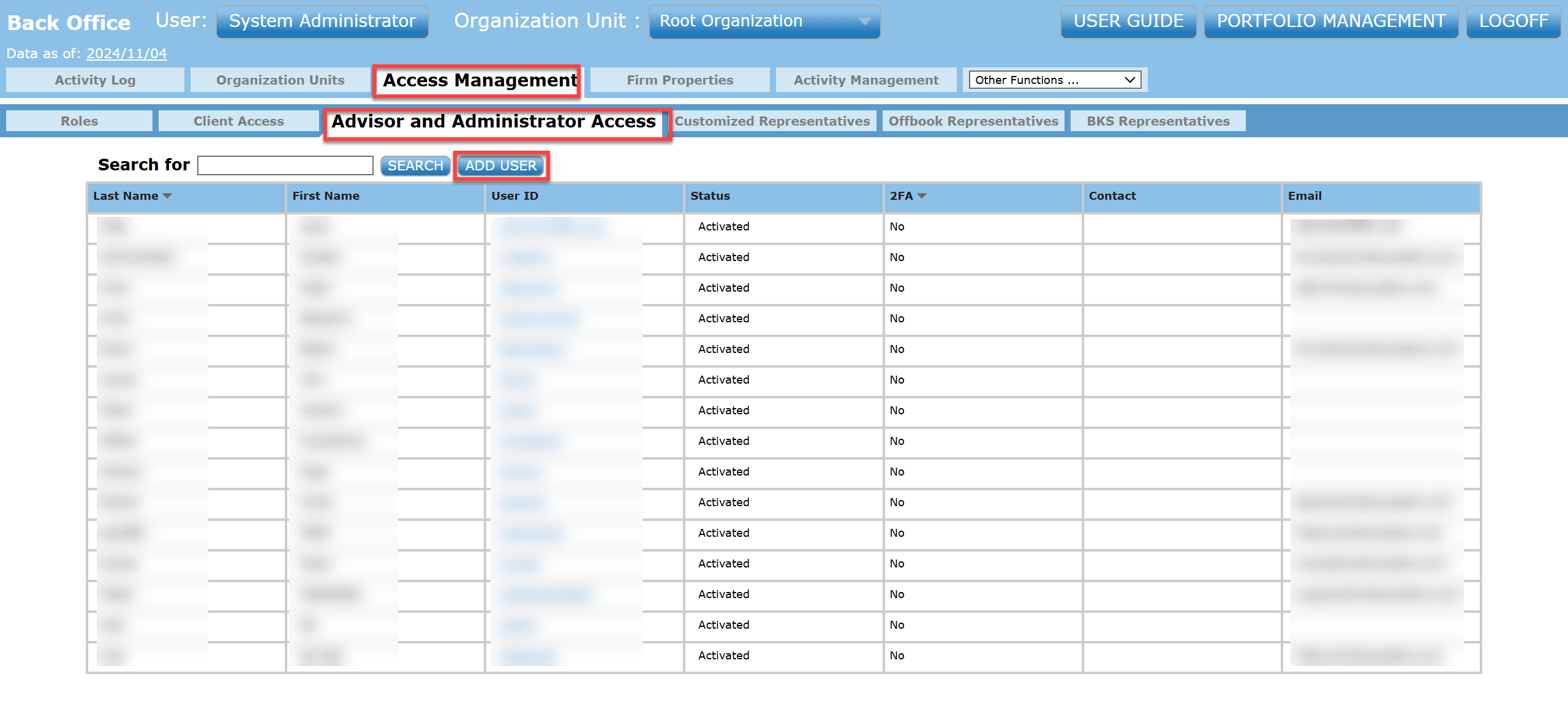
- From the back office, go into Access Management then into the Advisor and Administrator Access tab. Then select Add User or select an existing user.
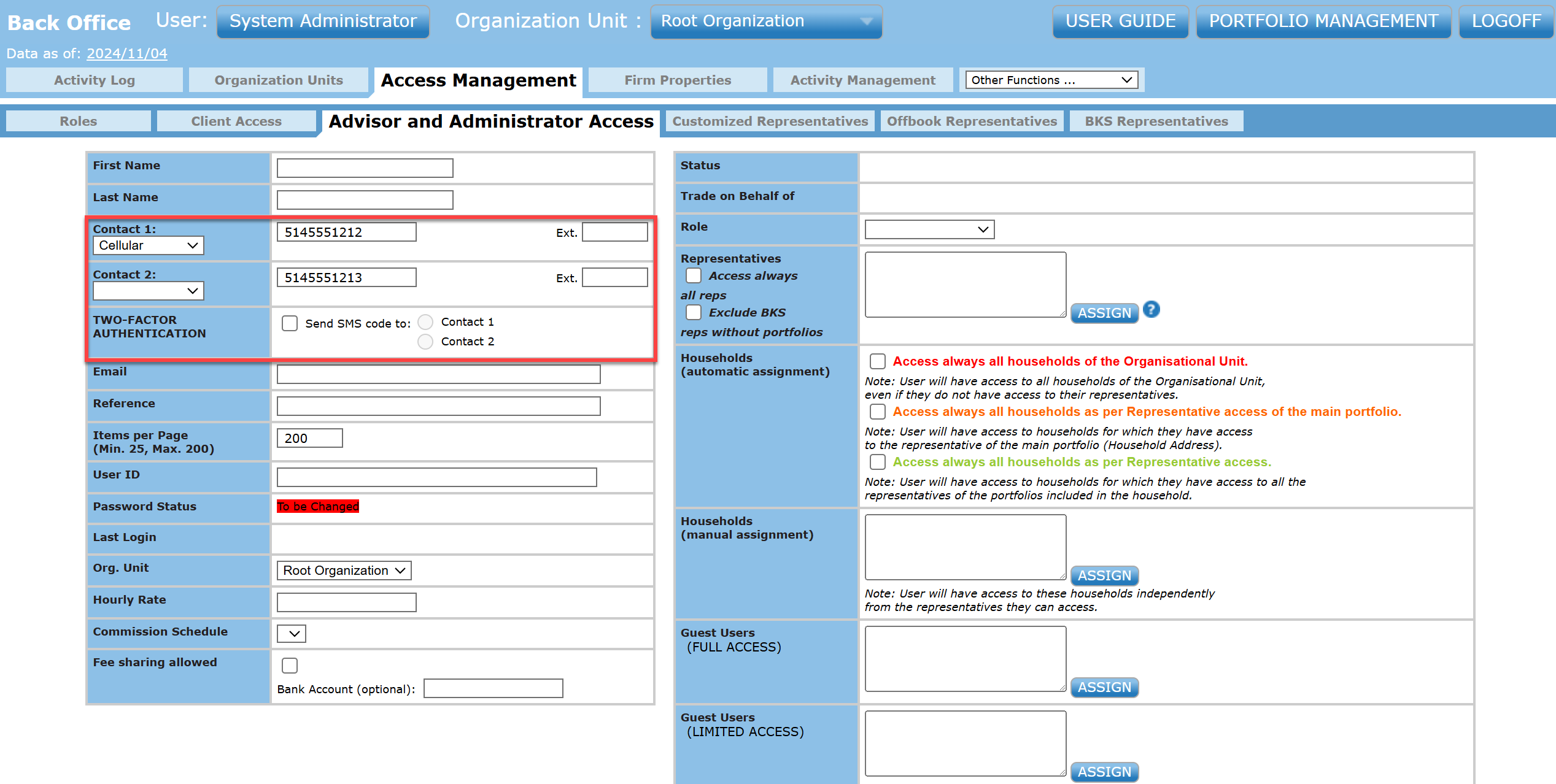
- Input contact information in order to enable two-factor authentication. Once there is contact information input, you can select which contact you would like to send an SMS code to.
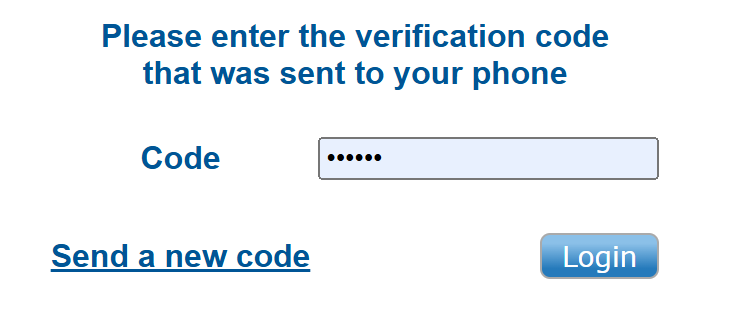
- When the user now signs in, they will be greeted with an authentication page. Enter the 6-digit authentication code that you received over SMS.
- SMS:
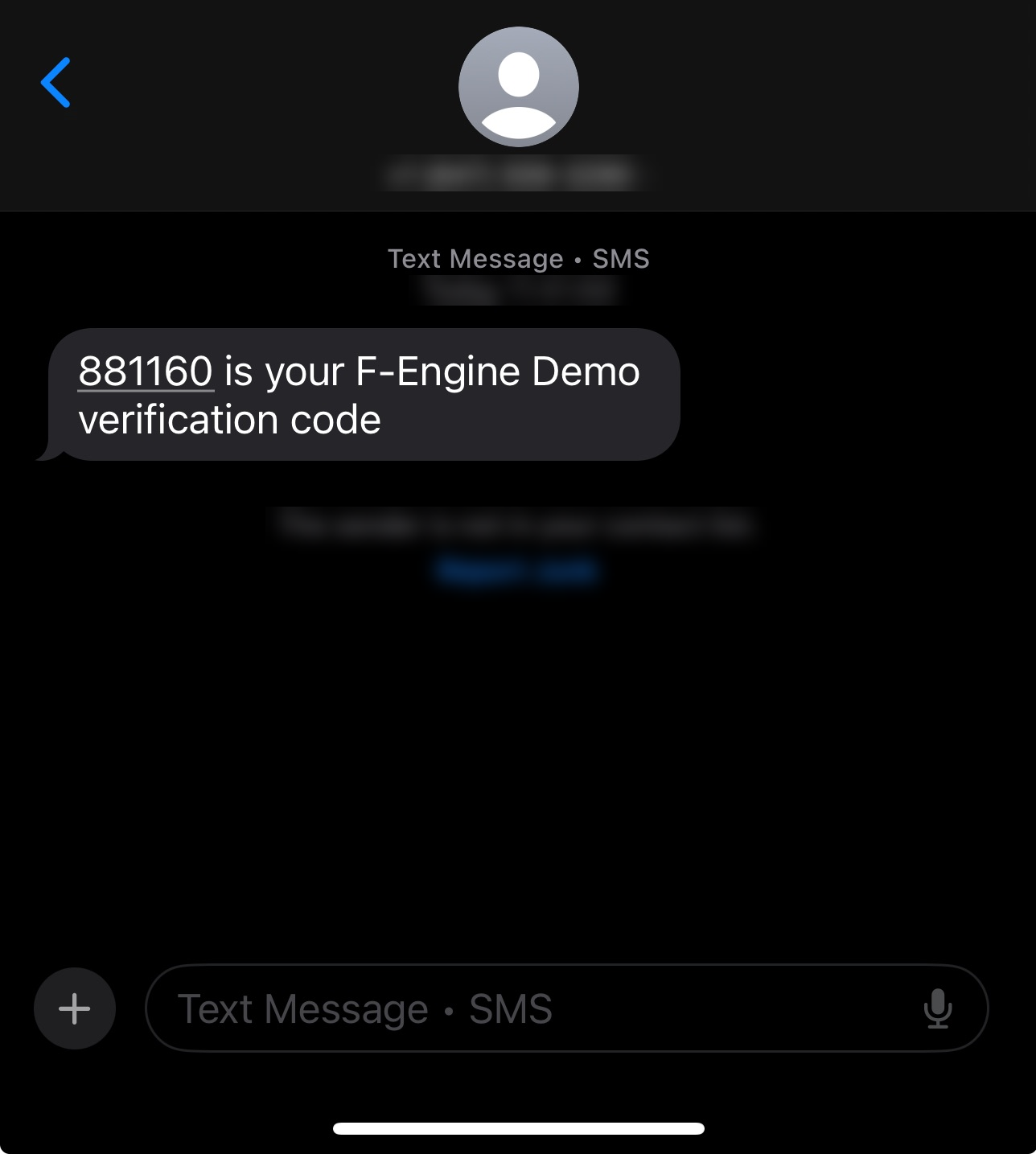
- Input the 6-digit authentication code into the authentication page.